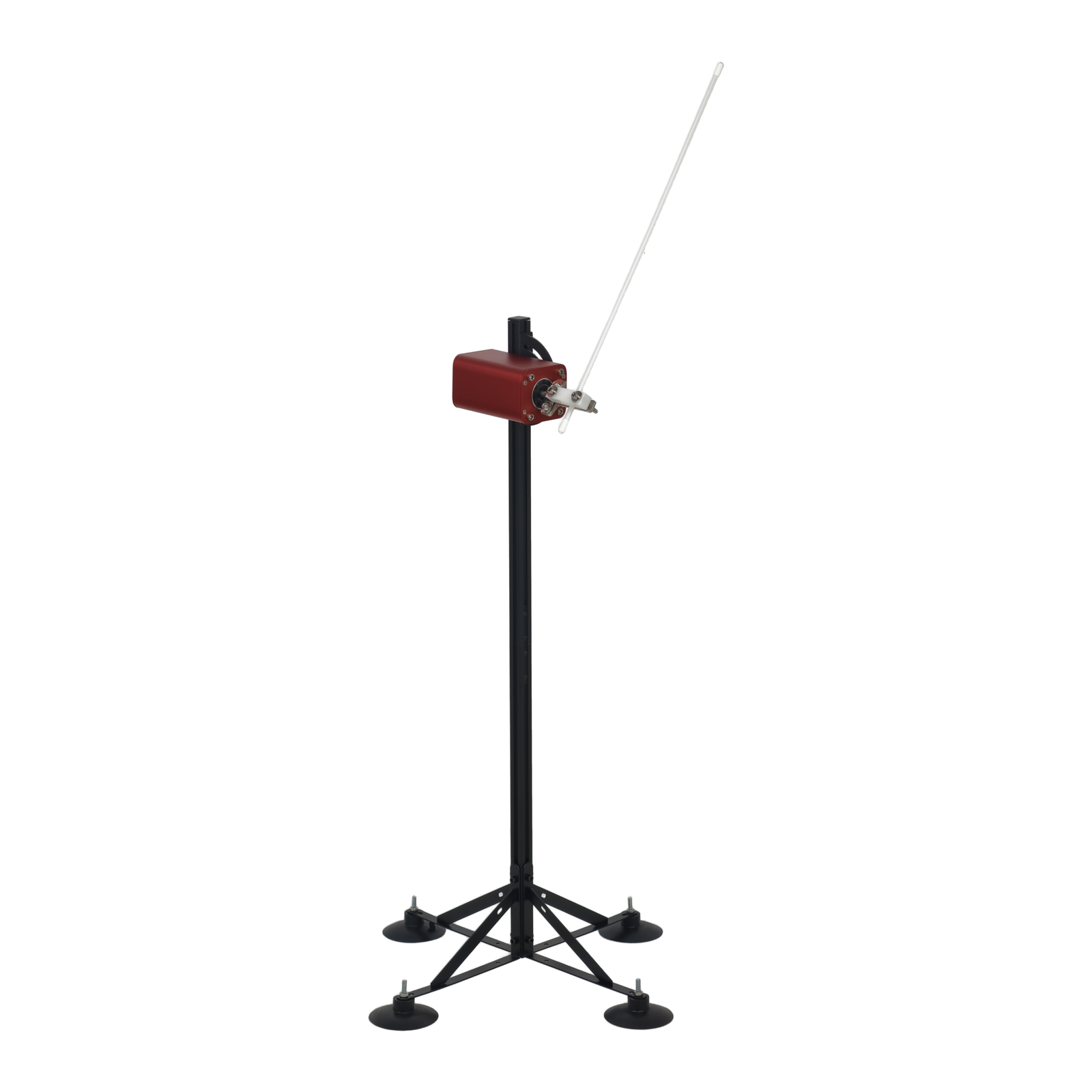
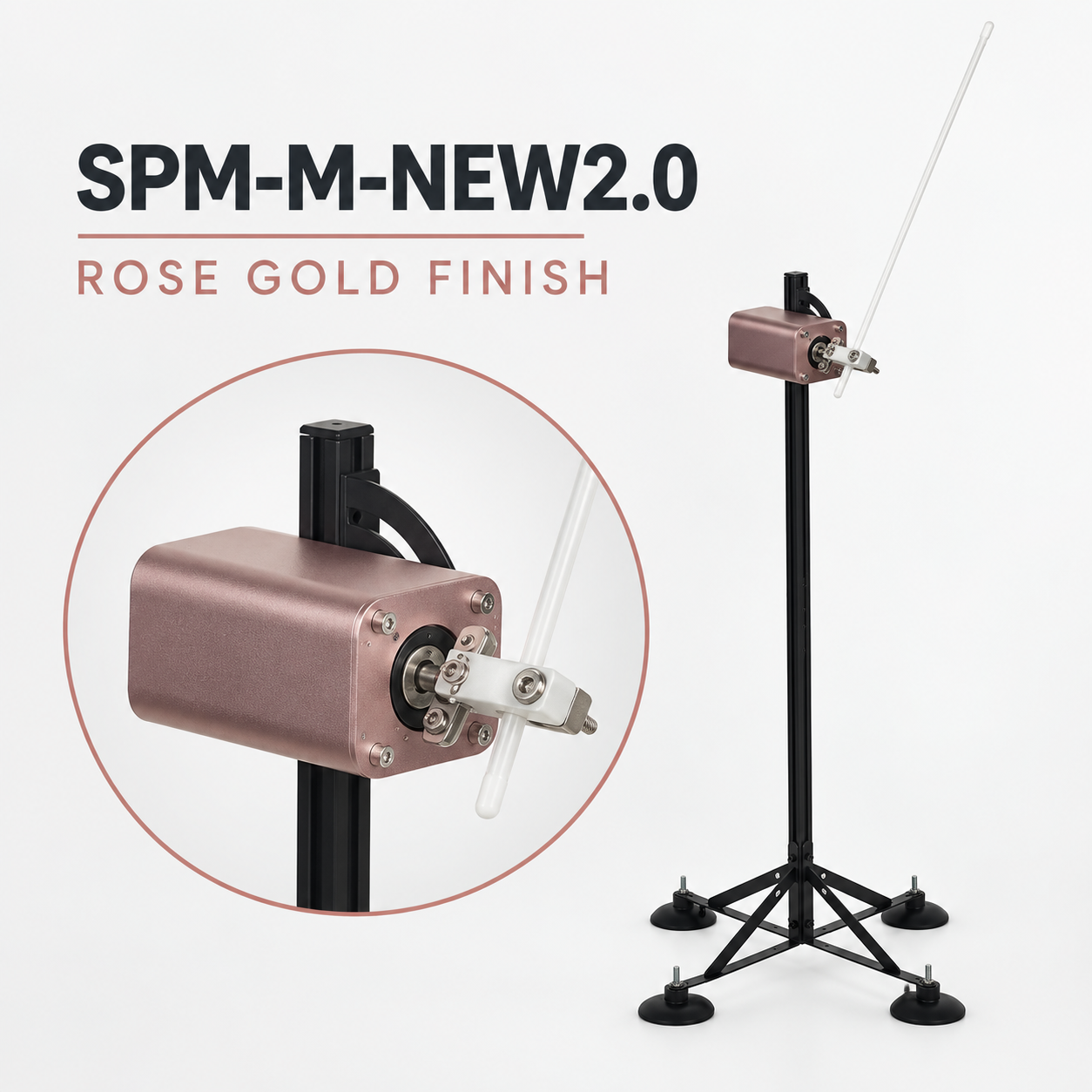
Is SPM-M-NEW2.0 right for your setup?
Adjustable travel & saved settings
Consider NEW2.0 when you want to adjust movement parameters separately and recall personal settings.
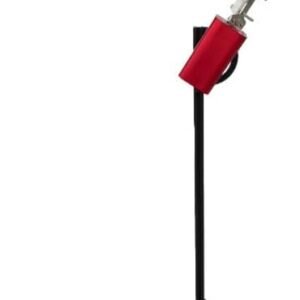
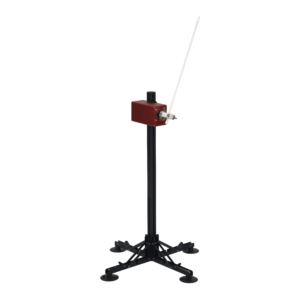
- Burgundy or Rose Gold, both with the black four-point stand.
- Check dimensions, mounting space and the full movement area for your setup.
- Use the manual for the exact model and revision.
SPM-M-NEW2.0 — Remote-Controlled Motion, Set Your Way
Choose Burgundy or Rose Gold, each paired with the black four-point stand. Set movement speed, angular travel, waiting interval and forward-end pause independently with the labeled wireless remote. Save three personal presets for repeatable settings.
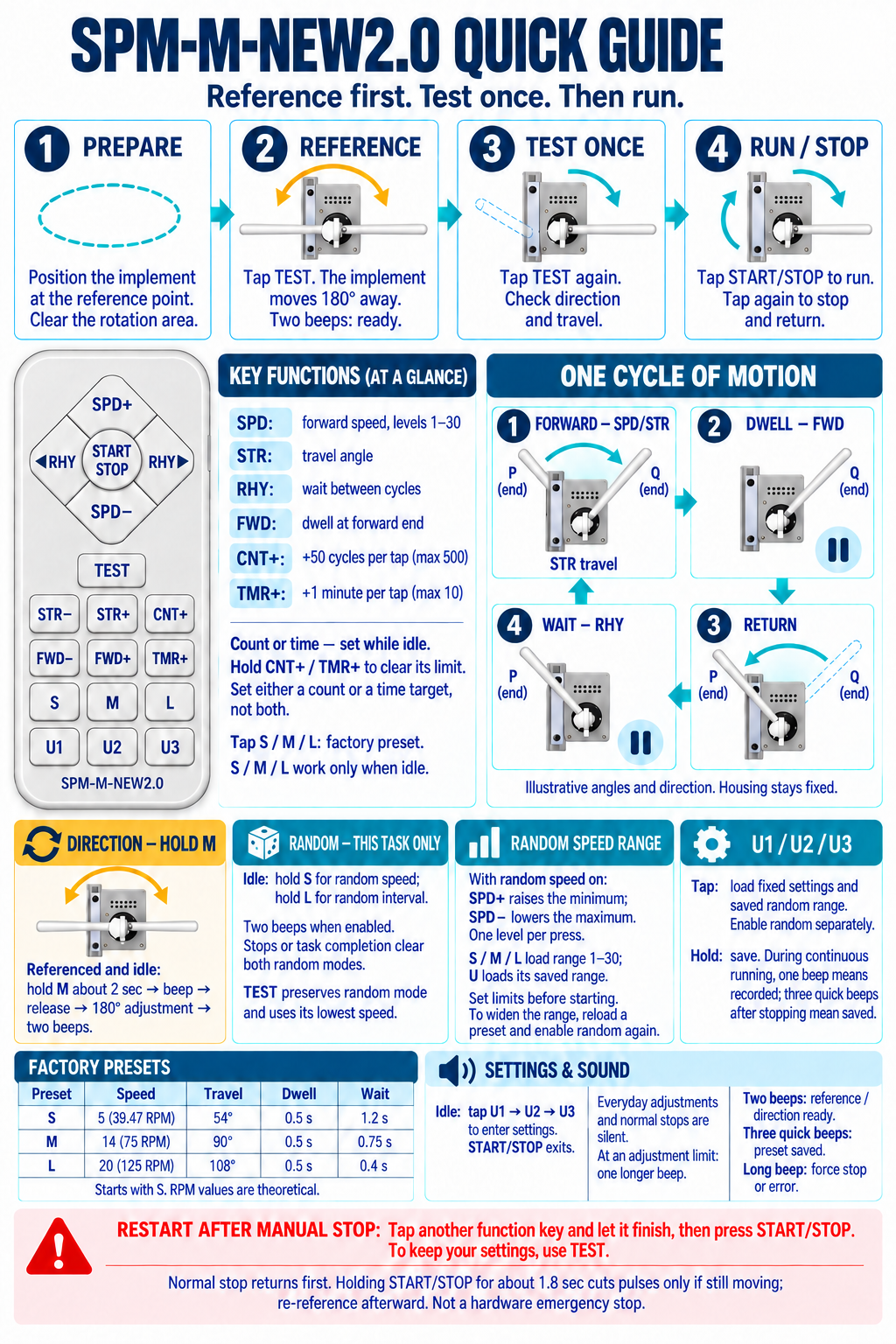
SPM-M-NEW2.0 Quick Guide
Remote controls and operating sequence.
Four controls for your preferred movement
| SPD — speed | 30 forward speed levels; approximately 20–333 RPM theoretical motor-command speed. |
|---|---|
| STR — angular travel | 18°–243° in 9° steps. |
| RHY — waiting interval | 20 settings from 0.01 to 5 seconds. |
| FWD — forward-end pause | 0.1–1.5 seconds in 0.05-second steps. |
| Power input | 24 V DC, 2.5 A. |
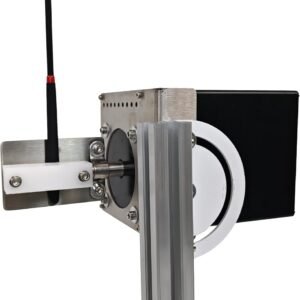
| Motor | Closed-loop stepper motor with position feedback; 1.5 N·m holding torque; FOC + PWM control. |
Adjust these four controls during continuous operation; changes apply to subsequent cycles. Speed levels are not linear. RPM values describe theoretical motor commands, not measured attachment speed or impact. Actual cycles per minute depend on travel, pauses and waiting interval; attachment length, weight and flexibility also affect movement.
Three factory presets
Select factory presets while stopped. Power-on starts with S.
| Preset | Speed level / theoretical RPM | Travel | FWD pause | RHY interval |
|---|---|---|---|---|
| S | 5 / approx. 39.47 RPM | 54° | 0.5 s | 1.2 s |
| M | 14 / 75 RPM | 90° | 0.5 s | 0.75 s |
| L | 20 / 125 RPM | 108° | 0.5 s | 0.4 s |
U1, U2 and U3 personal memory
Hold a U button to save speed, travel, forward-end pause, waiting interval and random-speed limits. When saving during continuous operation, the record is written after the machine stops; three quick beeps confirm saving. These settings remain after power-off. Random-mode activation, timer and count targets are not stored.
Random speed and random interval
While stopped, hold the lower S button to enable random speed for the next continuous run. Each cycle uses a speed within the selected range: SPD+ raises the minimum and SPD− lowers the maximum. Factory presets use the full random-speed range, levels 1–30, including the highest speed. Narrow the range before starting or load saved limits.
While stopped, hold the lower L button to enable a random waiting interval around the current rhythm setting. Random speed and interval may be combined and used with timer or count targets. Random modes turn off when the run ends and must be enabled again for the next run.
Count or timed runs
CNT+ adds 50 cycles, up to 500. TMR+ adds one minute, up to 10 minutes. Set targets while stopped; setting one cancels the other. At the target, the machine completes its stopping return, so a timed run may finish slightly later than the selected time.
Set the reference and test before starting
- Secure the stand, machine and attachment. Place the attachment at the intended reference position and clear the movement area.
- Press TEST to establish the reference: the machine moves 180° and returns.
- Press TEST again for one complete movement. Check direction and the entire travel range before using START/STOP for continuous operation.
The reference is a user-set starting position, not automatic surface detection. In random-speed mode, TEST checks only the lowest selected speed; it does not test the maximum speed or random waiting interval.
Direction adjustment
With the machine stopped and referenced, hold the lower M button until the short beep, then release for a 180° direction adjustment. Ensure clearance throughout this movement; two beeps confirm completion. The direction setting remains after power-off.
Stopping and restarting
A short START/STOP press requests a normal stop and return. Wait until movement has fully finished before making adjustments. After a manual stop, use another function, a preset or TEST before restarting; repeated START/STOP presses alone will not restart it.
Holding START/STOP first requests the normal stop. After approximately 1.8 seconds of continuous valid remote reception while moving, it cancels movement pulses and the return. Establish the reference again after this forced stop. Wireless reception is required: this is not a guaranteed instantaneous mechanical stop or a substitute for a hardware emergency stop.
Two finishes, the same controls
Burgundy and Rose Gold share the same specifications and $329 price. Both configurations use the black stand with four suction cups and a braced support frame. The wireless remote gives audible confirmation for selected actions, with quiet routine button operation.
Ask about setup or product details · Compare all products
Before you order: SPM-M-NEW2.0 FAQ
How do I compare this model with the others?
Consider NEW2.0 when you want to adjust movement parameters separately and recall personal settings. Compare all four models. Setting numbers are specific to each model and are not a shared impact scale.
Which color or stand should I select?
Burgundy or Rose Gold, both with the black four-point stand. Check the selected variant, product photo and package details before checkout.
Will it fit my available space?
Ask us to confirm the dimensions and mounting requirements for SPM-M-NEW2.0. Tell us your available space and the attachment you intend to use; allow clearance for its full movement. Do not rely on a product photo to estimate size.
What is included, and which attachments fit?
Confirm the selected package and attachment compatibility before ordering. Include the model, desired configuration and attachment details in your inquiry so we can check the specific combination.
Can you confirm delivery to my country?
For a direct order, review the shipping policy and selected checkout, or ask us with your destination country. For an Amazon order, use that listing’s delivery information and checkout. Review the direct-order return policy before buying.
Where can I find the matching instructions?
Visit Support & manuals and check the model and revision. If you cannot find the matching document, request it before using the machine.
For adults 18+. Keep inquiries focused on product, setup and order details.
Reviews
There are no reviews yet.